
The Autonomous AI Coding Assistant That Ships Real Apps
AI Coding Assistant
AI Coding Agent
Vibe Coding Platform
SuperNinja is an AI code generator and autonomous coding agent in one. Describe what you want in plain English — SuperNinja spins up a dedicated virtual computer with a full VS Code IDE, writes production code in 25+ languages, runs its own tests, fixes its own bugs, and deploys the finished app. Free to start. Works with GitHub, MCP tools, any HTTP API, and leading AI models.
Dedicated VS Code VM per task — no install, no plugin
Multiple coding agents in parallel — each in its own VM
Unlimited intelligent context — works across 500k-line repos
SUPPORTS 25+ LANGUAGE FRAMEWORKS












capabilities
One AI Coding Assistant. Every Part of the Development Loop.
Code generation, an autonomous coding agent, debugging, refactoring, test generation, code review, and deployment — all in one platform, all running on your own dedicated virtual computer. Not an autocomplete. A real AI software engineer that finishes the work.
Dedicated VS Code VM per task — no install, no plugin
AI code generator — prompts to production code
Describe what you need in plain English. SuperNinja writes complete, multi-file applications in 25+ languages, matched to your repo's style and conventions. Not autocomplete. Not a snippet. Working code that compiles, passes tests, and ships.
Full applications, not snippets
Unit tests generated
Matches your repo's style and conventions
25+ languages: Python, JavaScript, TypeScript, Java, Go, Rust, and more
Multi-file output with imports wired up
Dependency resolution included
Routes across frontier models — Claude Opus 4.7, GPT-5.5, Gemini 3.1 Pro and more
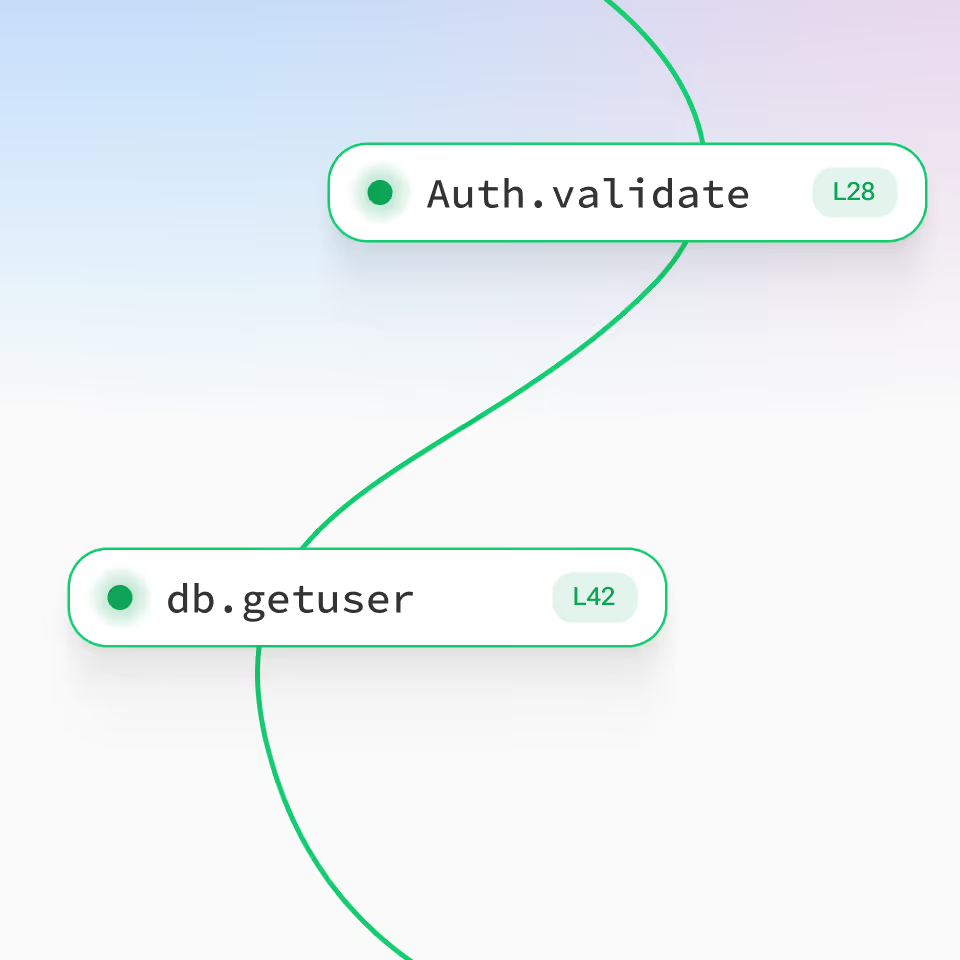
AI debugger — paste a stack trace, get the fix
SuperNinja reads the error, traces it through the call graph, reproduces the bug in its own VM, and patches the real source. Every fix ships with a regression test so the bug stays dead. Works across Python, Node, Go, Java, Rust, C#, and more.
Stack trace in, fix out — one step
Reproduces bugs in an isolated VM
Detects security vulnerabilities while it's in there
Suggests regression tests
Explains the why, not just the what
Opens a PR on request when you're ready to merge
AI code refactor — modernize legacy code without breaking it
Point SuperNinja at legacy code. It spots dead code, duplicated logic, and tight coupling, then executes the refactor one atomic change at a time, keeping your tests green throughout. Ask for a plan first if you want to review the approach before it runs.
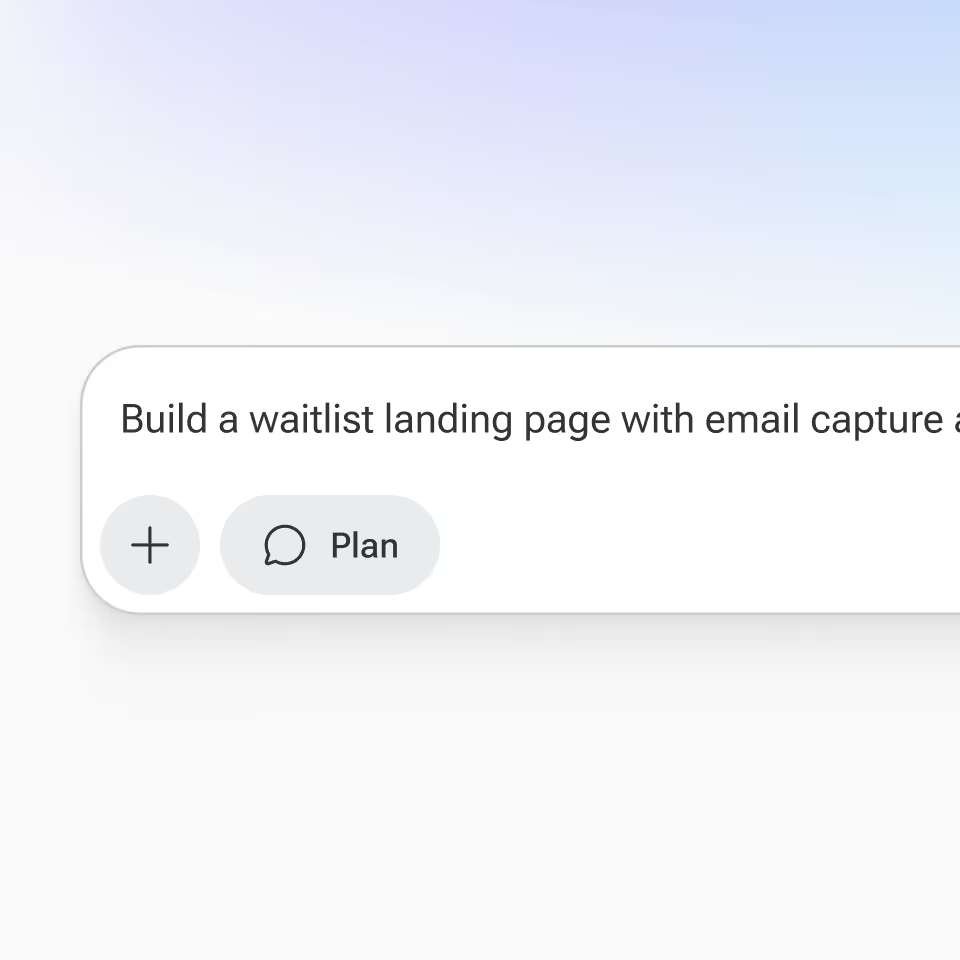
Optional plan preview — ask and SuperNinja drafts the migration before touching code
Keeps tests green at every step
Callbacks → async/await, class components → hooks, Java 8 → 17
Detects dead code and duplicates
Atomic, reviewable commits
Optimizes hot paths automatically
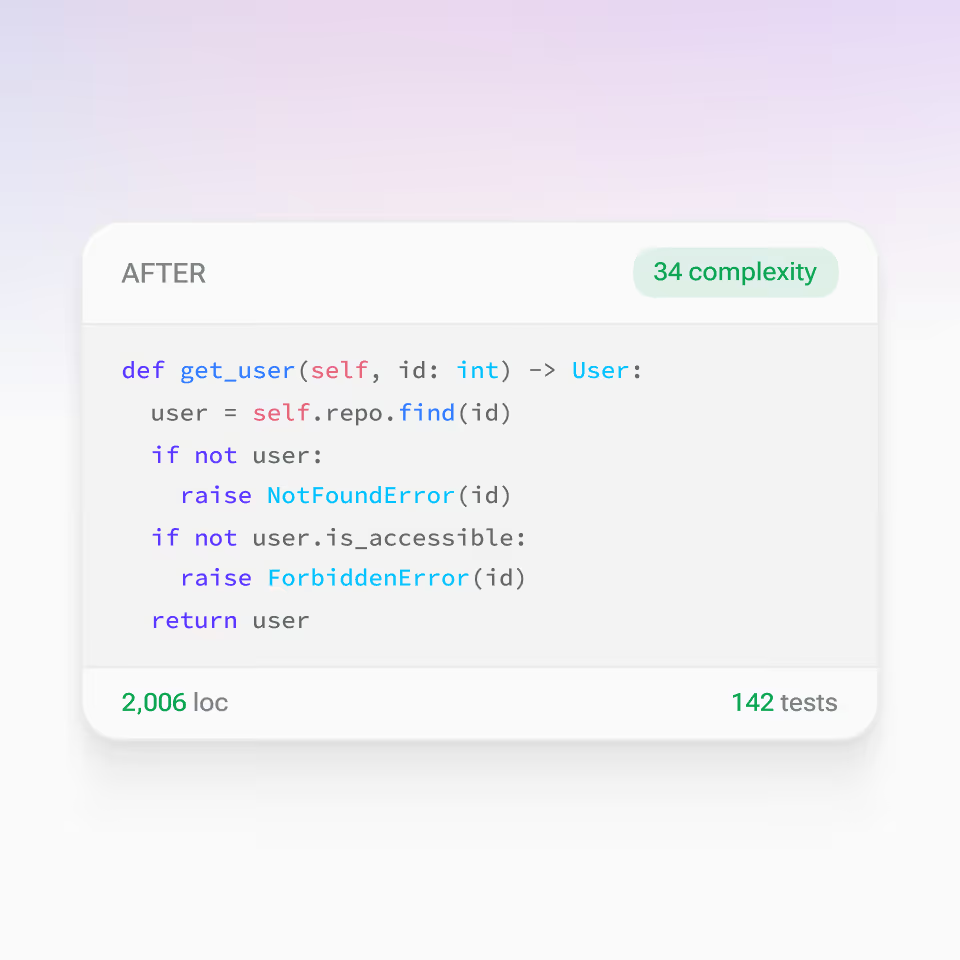
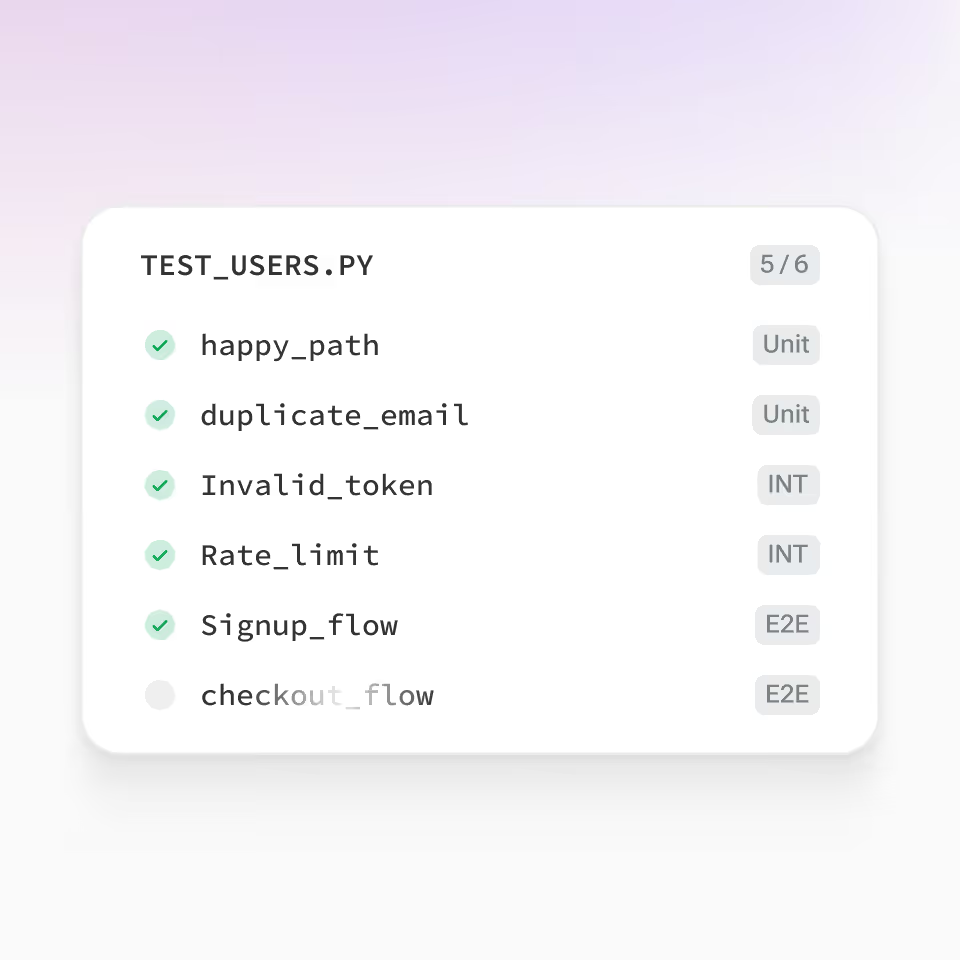
AI test generator — unit, integration, and E2E tests in seconds
Point SuperNinja at a module. It generates a complete test suite with realistic fixtures, edge cases, and error paths. Tests run in a secure VM, iterate on failures, and only come back when the suite is green.
Unit + integration + E2E
Realistic fixtures & edge cases
Coverage targets (80%+ default)
Jest · pytest · JUnit · Go test · more
Runs tests in an isolated VM
Iterates until the suite is green
Ninja Cline AI Studio
The Autonomous AI Coding Agent on Its Own Dedicated Computer
Every SuperNinja coding task runs on its own virtual machine — with a full VS Code IDE inside it, Cline, a root terminal, a headful Chromium browser, and a persistent file system. A real computer with root access, where the agent installs languages, frameworks, and CLI tools on the fly, writes code, runs tests, browses the web, calls APIs, and deploys the finished product.
This is what people mean when they search for an AI coding agent, an AI software engineer, or an autonomous AI developer — prompt in, production app out, with a human in the loop.
What your agent's virtual computer includes
- Full VS Code IDE — same editor you already use, already installed inside the VM. Open it anytime to edit, review, or take over mid-task.
- Cline — the autonomous coding framework built for VS Code, extended with SuperNinja's model routing.
- Root terminal — install any package, run any CLI, ssh anywhere the agent needs to go.
- Headful Chromium browser — the agent clicks, scrolls, types, captures screenshots, reproduces visual bugs, and tests your app end-to-end.
- Persistent file system — files survive across sessions so long-running projects don't lose work.
What makes this actually different
- No install. No plugin. Open a browser tab. You're coding.
- Multiple coding agents in parallel — each in its own VM. Try three implementations of the same feature side by side. Let one agent write a function while another writes its tests. All finish at the same time, all isolated. Business tier runs unlimited parallel agents.
- Unlimited intelligent context. The agent reads and writes files directly on the VM's disk instead of cramming your codebase into a model's prompt window. Point it at a 500,000-line repo, a 1,000-page PDF, or a directory of CSV dumps — it loads only what's relevant at each step and keeps going. No token limit.
- Runs for days, not minutes. Most AI coding tools time out after a few minutes. SuperNinja runs for days, weeks, or months on the same VM — long refactors, slow migrations, multi-stage deployments, whatever the work requires.
- Autonomous by default, reviewable on request. SuperNinja plans, writes, tests, and deploys on its own. Ask for a plan preview or approval checkpoints when you want them — otherwise the agent just ships. Watch it work live inside VS Code and step in any time.
MCP
MCP Tools + Any API the Agent Needs
SuperNinja's coding agent reaches the tools your real workflow depends on — three ways. Through the Model Context Protocol (MCP) with a curated library of first-party connectors (Jira, GitHub, Slack, Notion, Salesforce, PagerDuty, Linear, HubSpot, and more), through direct HTTP API calls to any REST, GraphQL, or gRPC service when a specific MCP connector isn't available, and through a real browser for web-only tools. The practical result: if it has an API or a web UI, the agent can use it.
- Full VS Code IDE — same editor you already use, already installed inside the VM. Open it anytime to edit, review, or take over mid-task.
- Cline — the autonomous coding framework built for VS Code, extended with SuperNinja's model routing.
- Root terminal — install any package, run any CLI, ssh anywhere the agent needs to go.
- Headful Chromium browser — the agent clicks, scrolls, types, captures screenshots, reproduces visual bugs, and tests your app end-to-end.
- Persistent file system — files survive across sessions so long-running projects don't lose work.
Vibe coding
Vibe Coding — From Idea to Deployed App
Vibe coding is the workflow that changed software forever: describe what you want in natural language, let the AI build it. SuperNinja was built for exactly this. You prompt; the agent plans, scaffolds, writes the code, installs dependencies, runs tests, previews the app in its own browser, fixes what breaks, and deploys the finished product to a live URL.
What SuperNinja vibe-codes for users every day
- Full SaaS MVPs — frontend, backend, auth, database, deployed to production
- Landing pages with email capture and a real backend
- Internal admin dashboards wired to Postgres, Supabase, or BigQuery
- Chrome extensions, CLIs, Slack bots, and Discord bots
- Mobile-ready PWAs
- AI-native apps with RAG, embeddings, and model routing built in
- AI-powered apps with custom workflows, agents, and real-time API integrations
Unlike browser-first vibe coding tools that stop at a prototype, SuperNinja's agent runs on a real virtual computer — so it can test, iterate, and actually ship the thing.
Compare
The Best AI Coding Tool for Your Stack — SuperNinja vs. Cursor, GitHub Copilot, Claude Code, and Replit
Looking for the best AI for coding in 2026? Here's an honest side-by-side. SuperNinja is the only one that runs on a dedicated VM with a full VS Code IDE, executes tasks end-to-end, deploys real apps, and runs multiple coding agents in parallel.





- Looking for a Replit alternative? See Replit vs SuperNinja.
- Looking for a Lovable alternative? See Lovable vs SuperNinja.
- Looking for a Claude alternative? See Claude vs SuperNinja.
Personas
Who Uses SuperNinja's AI Coding Assistant?
From staff engineers at late-stage startups to solo founders shipping their first MVP with vibe coding.

Software engineers
Your AI pair programmer that ships

Startup founders
Vibe-code your MVP in days, not quarters

Data scientists
Turn notebooks into deployed FastAPI services

Technical PMs
Prototype with AI before the PRD is written

Students & learners
Learn by shipping real apps

Non-engineers
Build the thing you've been describing for years
How it works
From Prompt to Deployed App in Four Steps
Getting started with AI-powered coding in Ninja only takes a couple of minutes.
01
Describe
Natural-language prompt. SuperNinja parses intent and starts building. Ask for clarifying questions or a plan preview if you want them first.
02
Plan
The agent breaks the request into engineering tasks, picks the language and framework, and scaffolds the project on a fresh VM.
03
Execute
Code is written, the test suite runs inside the VM, SuperNinja fixes its own errors until every test passes. You can open VS Code and watch it happen live.
04
Deploy
SuperNinja deploys the finished app and hands you a live URL. Want it on your own infrastructure? Give it your credentials for Railway, Vercel, Netlify, AWS, Fly.io, Render, or any other service — SuperNinja will deploy your application there for you. It will also push to GitHub, open a pull request with a clean diff, or trigger your own CI/CD pipeline on request.
Pros & Cons
Why Developers Choose SuperNinja
Getting started with AI-powered coding in Ninja only takes a couple of minutes.
Join thousands of developers using SuperNinja to ship faster with an autonomous AI coding agent. Start free — no credit card.
FAQ
Frequently Asked Questions
Everything you need to know about SuperNinja's AI Code Assistant.
What is an AI coding assistant?
What is an AI coding agent?
What is the best AI for coding in 2026?
What are the best AI coding tools?
Is SuperNinja a vibe coding tool?
What is MCP and does SuperNinja support it?
Can SuperNinja read my whole codebase?
Can SuperNinja run multiple coding tasks in parallel?
Which AI models does SuperNinja use for coding?
Is SuperNinja a good AI pair programmer?
How is SuperNinja different from GitHub Copilot?
How is SuperNinja different from Cursor?
How is SuperNinja different from Claude Code?
How is SuperNinja different from Replit Agent?
Is there a free AI coding assistant?
